Screen recordings that look like you hired a studio.
Record your screen. Slyve Studio adds the zooms, cursor motion, backgrounds and captions on its own. Ship a demo people actually watch, in minutes.
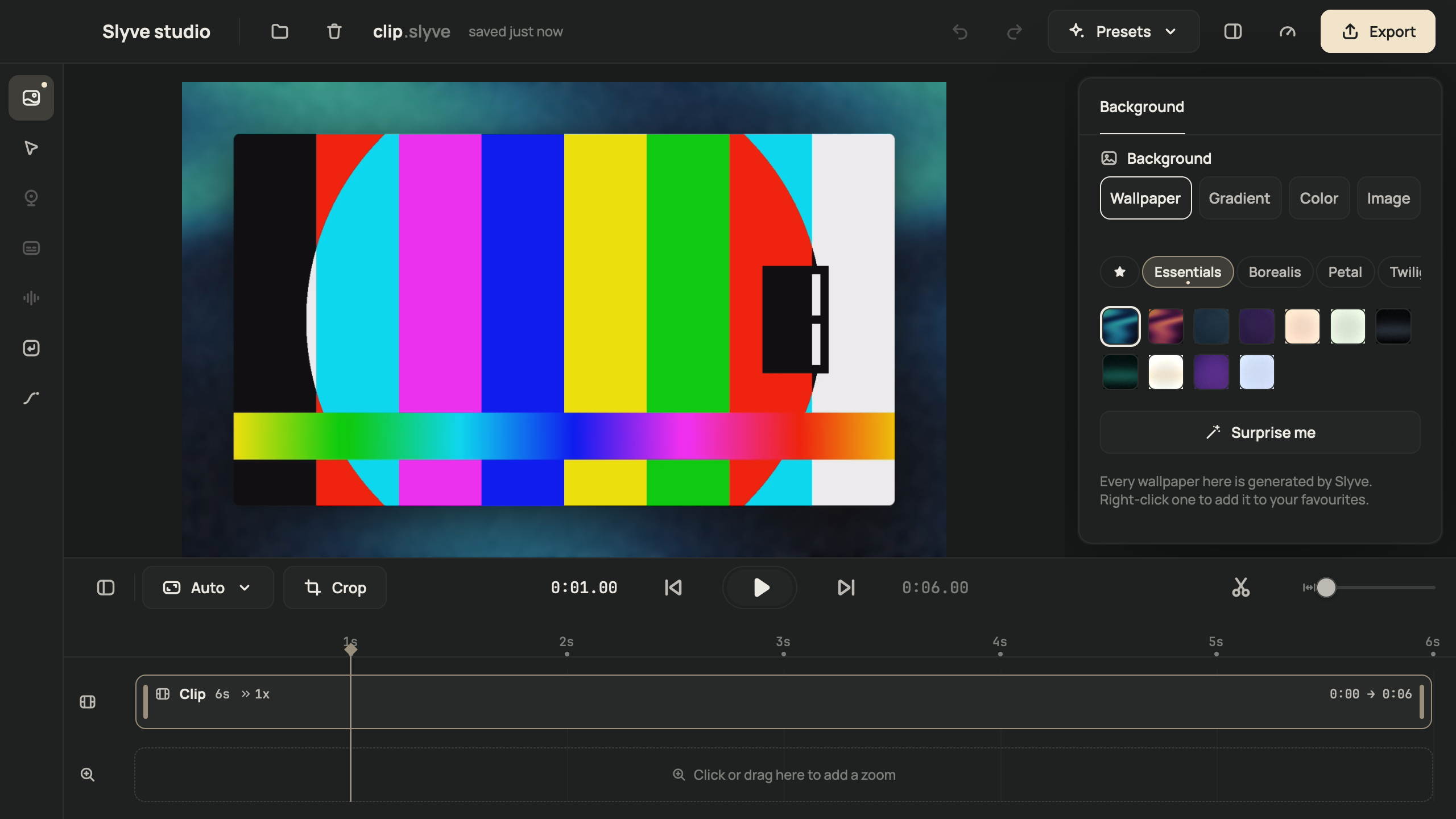
Zooms that follow what you do.
Slyve Studio watches your clicks and zooms in on the part of the screen that matters, then eases back out. Every zoom sits on its own lane: move it, stretch it, or set how far it goes, up to 4×.
- Click-aware
- Manual zooms
- Spring presets
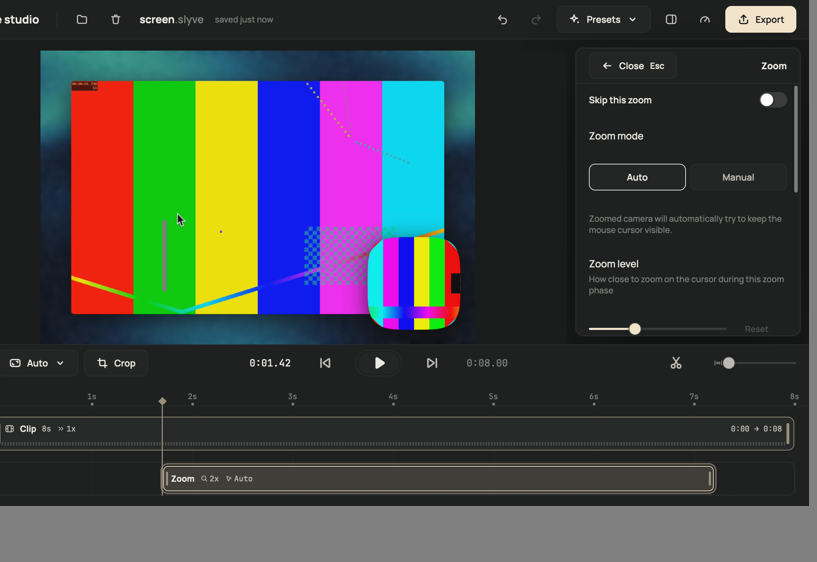
A cursor that glides, not jitters.
Real mouse paths are shaky. Slyve Studio smooths them into curves, makes the cursor bigger so it reads on a phone, and hides it when it sits still. Switch it off entirely for clean UI footage.
- Smoothing
- Bigger cursor
- Hide when idle
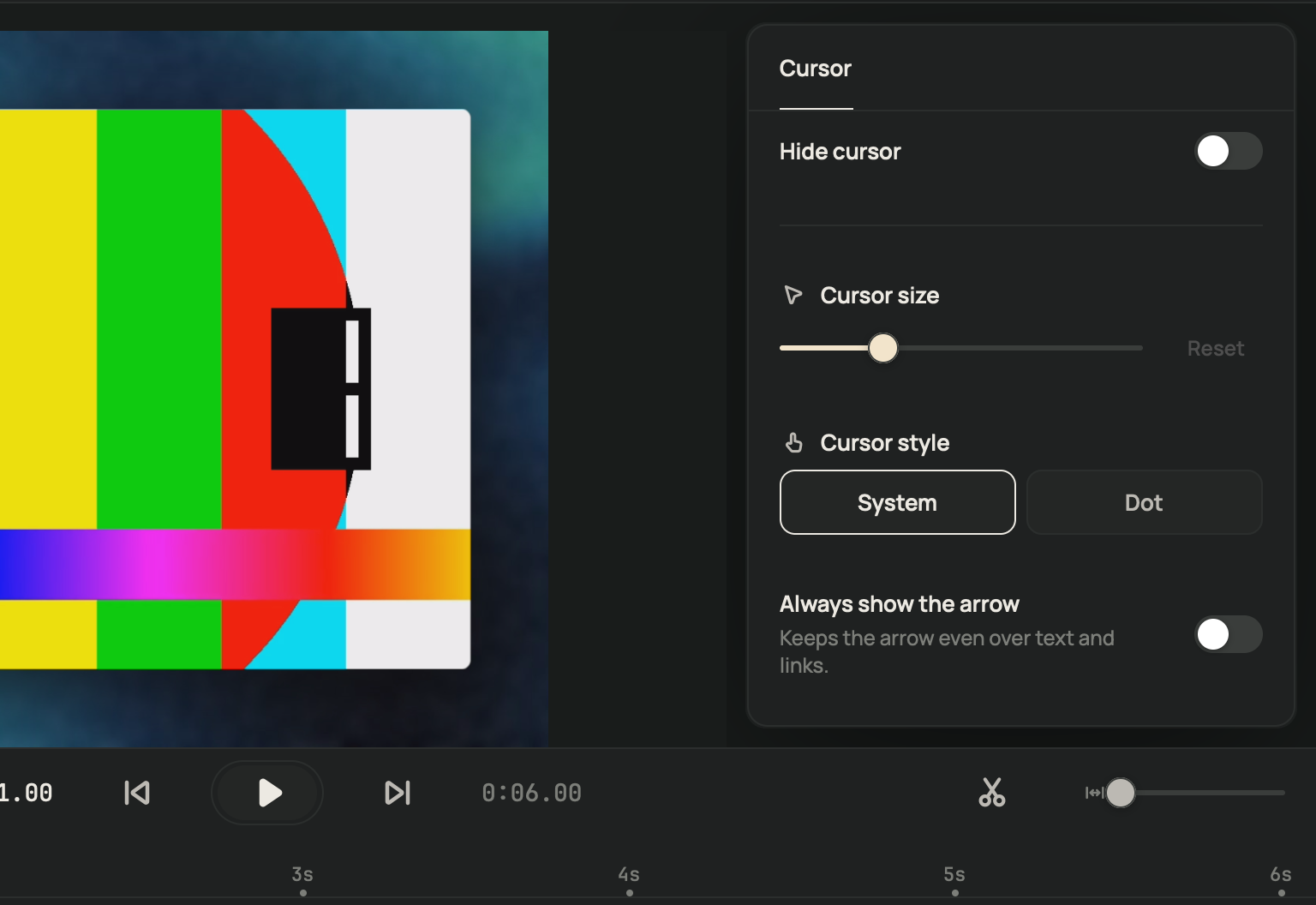
Looks like it belongs to your brand.
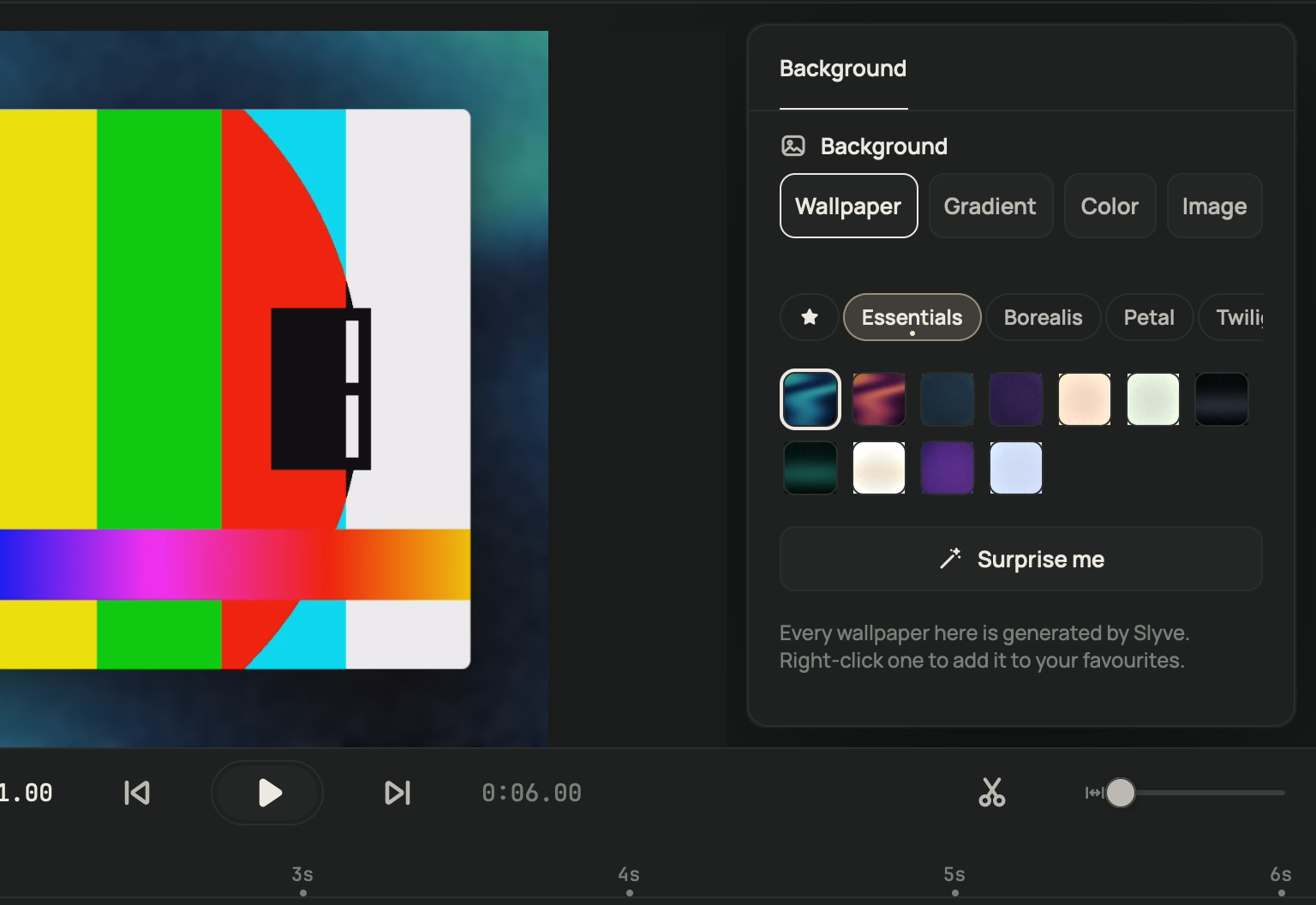
Pick one of 141 wallpapers made by Slyve, one of 69 gradients, a solid colour or your own image. Add padding, rounded corners and a shadow. Save the look as a preset and every recording matches.
- 141 wallpapers
- Presets
- Corners and shadow
You, in the corner, sounding good.
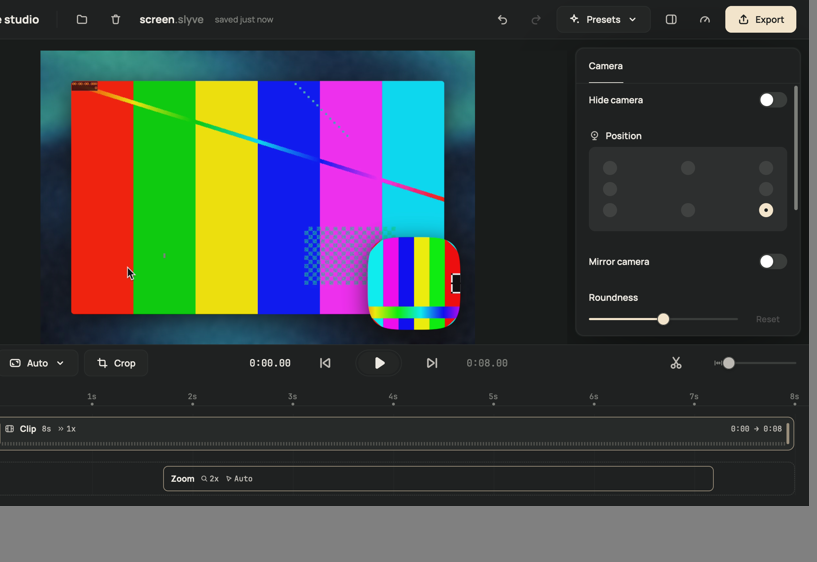
Record your camera and microphone alongside the screen. Move, resize and reshape the camera bubble after the fact, and let Clean up voice lower the background noise. System audio comes from every app, or only the ones you pick.
- Movable bubble
- Clean up voice
- System audio
Trim, speed up and caption in one place.
Trim, split and merge clips, change a clip's speed from 0.5× to 8×, and undo anything. Captions are transcribed on your Mac with Apple's speech recognition: edit them, burn them in, or export an SRT.
- Trim and split
- Per-clip speed
- On-device captions
- SRT export
Right size, first time.
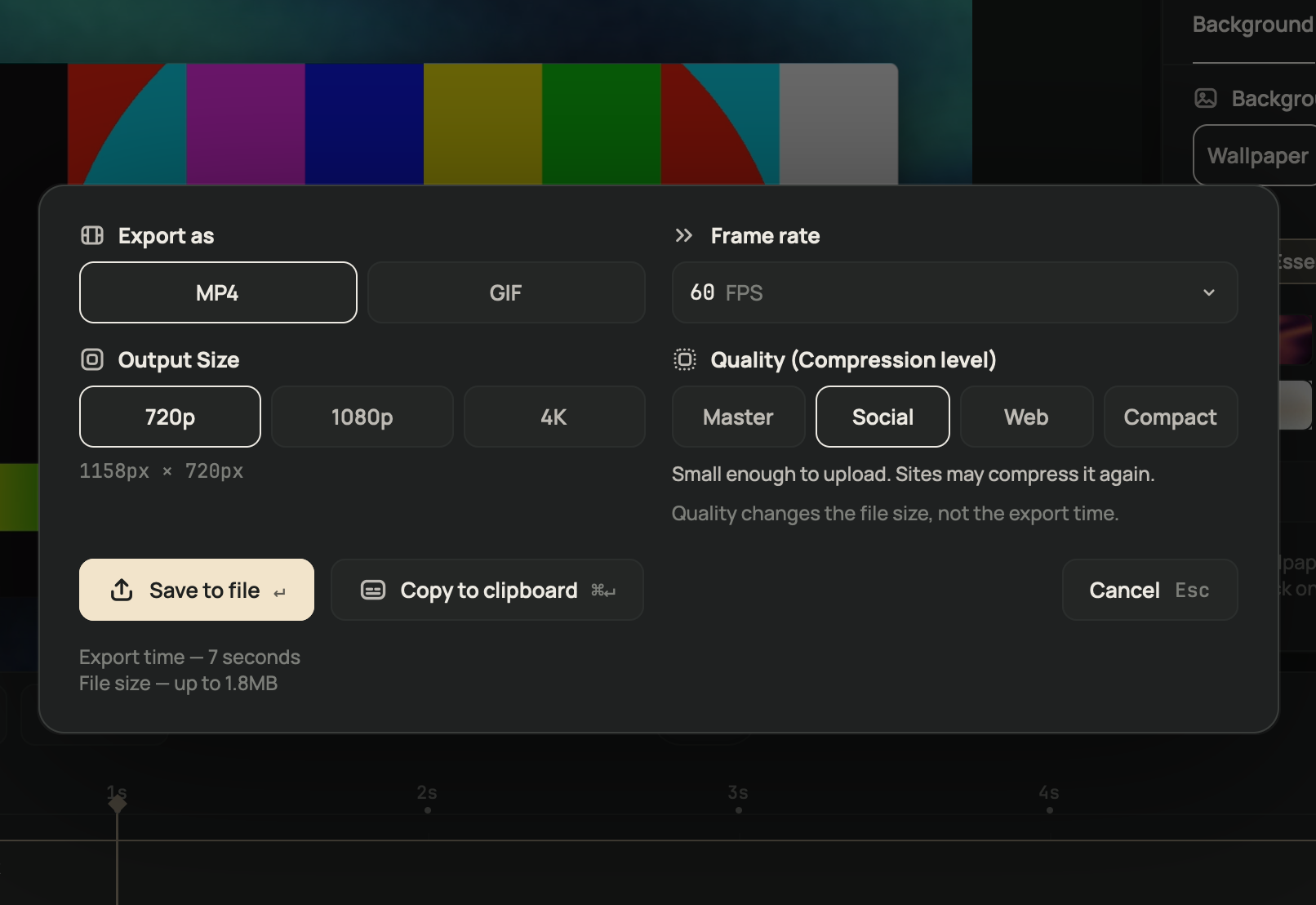
Export an MP4 or a GIF, save it to a file or copy it straight to the clipboard. Change the aspect ratio and the same recording works vertical, square or wide.
- MP4 at 720p, 1080p or 4K, up to 60 fps
- GIF up to 1080p
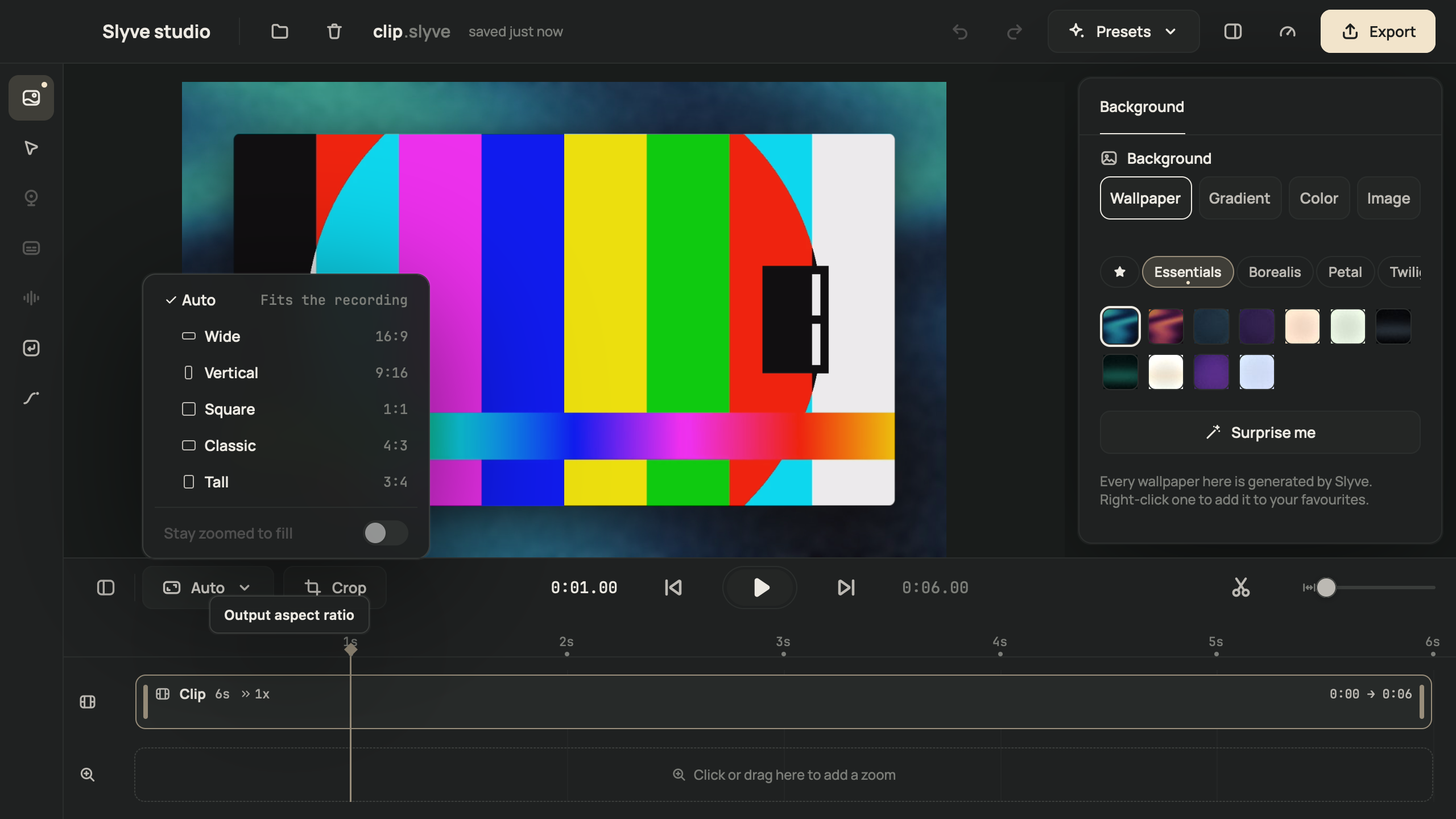
- Auto, 16:9, 9:16, 1:1, 4:3 and 3:4
Small things you'll notice every day.
Window, area or display
Pick exactly what to capture, on any connected display.
iPhone and iPad
Plug a device in over USB and record it. Experimental for now.
Keystroke overlay
Shortcuts like ⌘C appear on screen as you press them.
Speaker notes
Notes you can read while you record, kept off the recording.
Motion blur
Cursor, zooms and pans are rendered with motion blur.
Built for Apple silicon
Runs on Apple silicon Macs with macOS 14 or later.
Everything stays local
Recording, captions and export happen on your Mac. Nothing uploads.
Project files
Reopen any recording later and change the look without re-recording.
One app. Pay once.
The full editor and every automatic touch, for a one-time price. $14 instead of $49 while the beta lasts.
Lifetime licence
USD, while the beta lasts. Then $49.
- Every feature, no watermark
- Every update released in the next 12 months
- Keep the version you have, forever
- One Mac at a time; move it yourself any time
Checkout by Polar, our reseller. Tax may be added. 14-day refunds.
Questions about licences or invoices? Talk to us.
Is there a free trial?
Not yet. During the beta the licence costs $14, and if it is not for you, you get your money back within 14 days. See the refund policy.
What does "lifetime" mean?
You keep the version you buy forever, plus every update released in the 12 months after you buy. After that the app keeps working; newer versions are a separate purchase.
How many Macs can I use it on?
One Mac at a time. Moving to a new Mac is self-serve: activate it there and the licence moves with you.
Does it work on Windows or Linux?
No. Slyve Studio is a Mac app for macOS 14 Sonoma or later on Apple silicon.
Do my recordings leave my Mac?
No. Recording, captions and export all run on your Mac, and Slyve Studio has no upload or share-link feature. Usage data is off unless you switch it on.
Can I edit a recording I made last month?
Yes. Projects are .slyve files: reopen one, change the zooms, the look or the trim, and export again.
What is the refund policy?
14 days from purchase, no questions asked. Write to support@slyve.studio.